

Introduction
SD card data loss is a common problem that can happen at any time without warning. People use SD cards in cameras, mobile phones, and other devices to store important photos, videos, and documents. When these files suddenly disappear, it creates stress and confusion because users feel the data is gone permanently. In most cases, the first thing users search for is how to recover files from SD card storage safely and quickly.
Table Of Content
This is where data recovery tools like Ritridata Data Recovery come into discussion. Understanding how these tools work can help users handle data loss situations in a better way.
Why SD Card Data Loss Happens
SD cards have several causes of losing data, and one of them is the accidental deletion of the files. Sometimes the data is lost because of formatting of the memory without knowing that there are some useful files kept in it.
Corruption of the files is also quite widespread. It may occur as a result of the sudden removal of the card when the files are in use or if there is an unexpected shutdown of the device in the process of file transfer.
How You Can Recover Files from SD Card
Once the files on the SD card have been deleted, they do not get erased straight away from memory. On the contrary, the deleted area is labeled as being ready to accept new information, so there is a chance that your old files will be stored somewhere until they are erased.
That is why it is always possible to restore the lost files on the SD card as long as immediate actions are taken. But if you keep working with your SD card, chances are you will erase them forever.
What Ritridata Data Recovery Does
Ritridata Data Recovery is a recovery application used to help retrieve lost files from various storage media like SD cards. The application performs deep scans on the storage media and retrieves any lost file that cannot be accessed using normal means.
It is important to note that the application will not perform any physical repair work on the SD card. All it does is to scan for any recoverable file fragments that can be retrieved from memory.
SD Card Recovery Process Explained
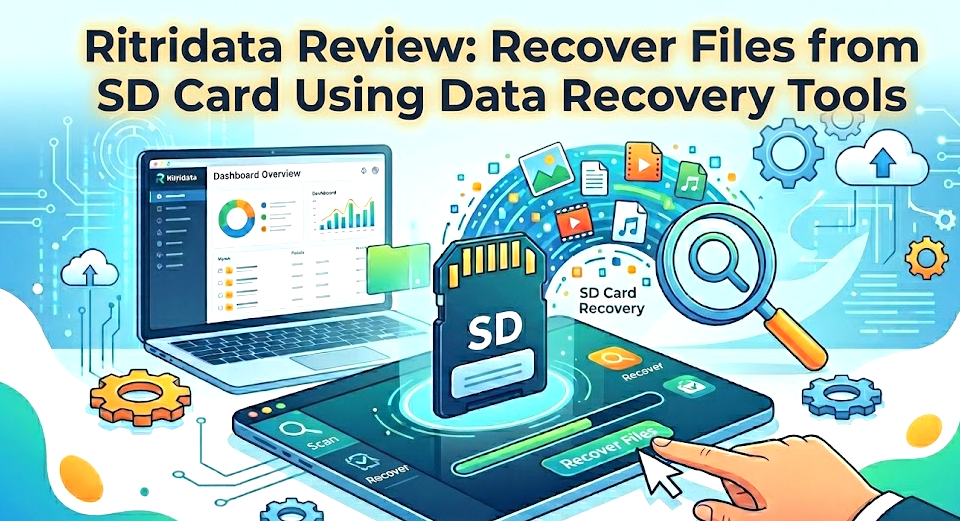
The restoration begins after the SD card is plugged into the computer through a card reader. Once the connection is established, the software conducts an intensive scan on the storage device.
During the scanning process, the software detects data and identifies it according to specific file formats including image, video, audio, or document file format. File names and folders can be absent but the software can still identify the data format based on how the file was created.
Once the scan process is completed, all files to be restored will appear in a list form. The user can then choose which files should be recovered. Some software even offers preview features where users can see the contents of the selected file.
Finally, after selecting the files, they will be restored and saved to another folder. It is recommended not to restore the files to the original SD card as it might overwrite other data that could be recovered.
Factors That Affect Recovery Success
There are several crucial considerations to the successful SD card data recovery process. First, it is important to consider whether the deleted data has been overwritten by new files. Overwritten data is unlikely to be recovered effectively.
The state of the SD card itself should also be considered. Logical problems can typically be addressed using software, whereas physical damage will likely reduce the efficiency of recovery. In addition, file size and type may influence the success of recovery.
Tips to Improve Recovery Chances
In the case of data loss, the very first thing that needs to be done is to immediately cease any usage of the SD card since doing so may increase the chances of file overwriting. The SD card must then be plugged into the computer and scanned through recovery software.
A deep scan will work better since it searches for files much deeper. In the event of recovering data, the best course of action would be to save it in another storage medium.
Final Thoughts
Data loss from SD cards is a problem that occurs frequently, although in most cases it is possible to retrieve the data stored in the SD card through effective means. This is where Ritridata Data Recovery comes into play, as it enables one to scan and recognize missing data that can actually be recovered.
The efficiency of such recovery efforts depends largely on how fast the user acts in response to the problem. Nevertheless, the best course of action remains to take precautions and create backups on a regular basis.