

Most work still starts in an inbox. Orders, bookings, and system alerts all arrive as emails first. Sometimes, though, the person you need to reach will only see a text.
Table Of Content
- How Email-to-Text Works
- The Basic Idea
- SMS and MMS Addresses
- What the Recipient Sees
- Method 1: Use the Carrier’s Email Gateway
- Find the Recipient’s Carrier
- Format the Address
- Send and Check Delivery
- Method 2: Use a Business Email-to-SMS Service
- Check Consent First
- Set It Up in a Few Steps
- When to Choose This Method
- Common Problems and How to Fix Them
- The Text Never Arrives
- The Message Is Cut Off or Split
- Replies Go Nowhere
- The Number Is a Landline
- Final Thoughts
- Your Next Three Steps
Turning an email into a text solves that problem. It matters most for small teams. The US has more than 36 million small businesses, according to the SBA Office of Advocacy. Many of them rely on this shortcut every day.
This guide explains how email-to-text works, two ways to set it up, and how to fix common problems.
How Email-to-Text Works
Email-to-text, also called email-to-SMS, converts an email into a text message. The idea is simple, but a few details decide whether the text arrives.
The Basic Idea
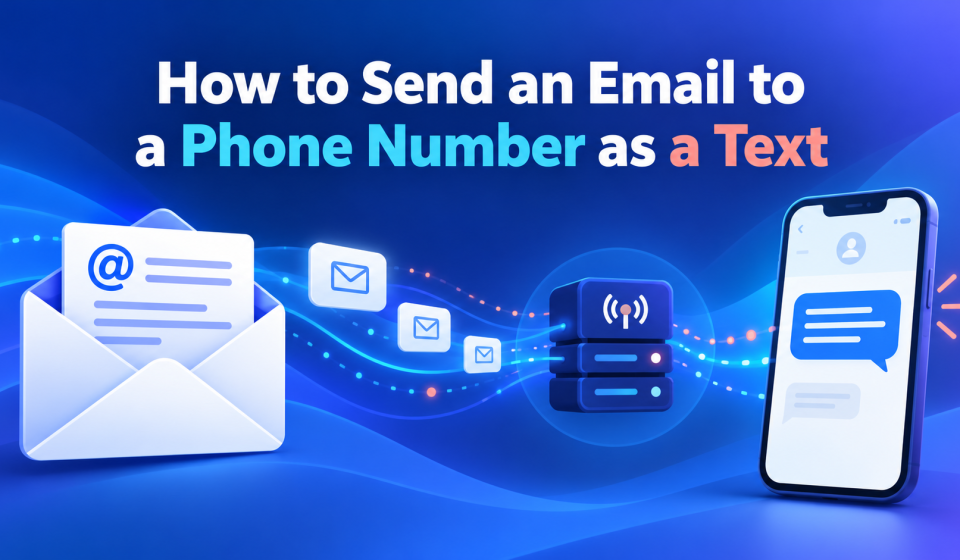
You send an email to an address built from a phone number. A gateway receives that email and turns it into a text. The text then lands on the recipient’s phone like any other message.
SMS and MMS Addresses
Gateways often use different addresses for different message types:
- SMS addresses: Carry short, plain text messages.
- MMS addresses: Carry images, media, and longer messages.
Using the wrong one can cut your message short or drop attachments.
What the Recipient Sees
The recipient usually sees a text from a number or short code. The email subject may appear at the top, and long messages may split into parts.
Knowing this helps you keep messages short and clear.
With the basics covered, there are two main ways to send an email as a text.
Method 1: Use the Carrier’s Email Gateway
Carriers have long offered free email gateways for their customers’ phones. This method needs no account, but it is becoming less reliable.
Find the Recipient’s Carrier
Each carrier uses its own email domain, so you need to know the recipient’s carrier first. If you are unsure, ask the recipient directly.
Format the Address
Combine the 10-digit number with the carrier’s domain. Here is where the major US gateways stand:
- AT&T (txt.att.net): Shut down on June 17, 2025.
- Verizon (vtext.com): Winding down, with a full shutdown by March 31, 2027.
- T-Mobile (tmomail.net): No longer delivers reliably for many senders.
For example, a Verizon text would go to the number followed by @vtext.com.
Send and Check Delivery
Write a short email and send it like any other message. Then ask the recipient to confirm it arrived, because the gateway gives no delivery report.
These gateways keep changing, so the setup matters. Many teams now learn how to text a phone number from email without depending on any single carrier.
The carrier route can still work for an occasional personal message, but it is risky for anything important.
Method 2: Use a Business Email-to-SMS Service
A business email-to-SMS service replaces the carrier gateway with a dedicated provider. You still send from your inbox, but delivery no longer depends on each carrier.
Check Consent First
Before texting anyone, make sure they agreed to receive messages. The FCC confirms that people can opt out of texts they no longer want at any time. A good service handles STOP replies automatically.
Set It Up in a Few Steps
Most services follow a similar setup:
- Create an account: Sign up and verify your business details.
- Approve your senders: Add the email addresses allowed to send texts.
- Use the new address format: Email the phone number at the provider’s domain.
- Send a test: Text your own phone before messaging customers.
When to Choose This Method
A business service makes sense when texts matter to your work. It suits these situations:
- Customer messages: Appointment reminders, job updates, and order notices.
- Team use: Several staff texting from their own inboxes.
- System alerts: Alarms, monitors, and software that send email notifications.
You also get a registered business number and delivery reports, which the carrier route never offered.
For regular or business texting, this method is the safer long-term choice.
Common Problems and How to Fix Them
Even with the right setup, a few issues come up often. Most have simple fixes.
The Text Never Arrives
Check the address format first, including the full 10-digit number. If you used a carrier gateway, the gateway itself may be the cause. Switching to a business service usually solves this.
The Message Is Cut Off or Split
Texts have a character limit, so long emails get trimmed or split. Remove signatures, disclaimers, and quoted replies before sending. Keep the main message short.
Replies Go Nowhere
Carrier gateways often drop replies or send them to an unexpected address. Business services can route replies back to your inbox, so the conversation continues.
The Number Is a Landline
Landlines cannot receive text messages. Confirm the recipient is using a mobile number before you send. Some services flag landline numbers automatically, which saves wasted messages.
Fixing these issues early prevents most missed messages.
Final Thoughts
Sending an email to a phone number as a text is still useful, but the method matters. Carrier gateways are closing or becoming unreliable, so they suit only occasional personal messages.
Your Next Three Steps
- Check how you send today: Note any carrier addresses your team or systems use.
- Pick the right method: Use a business service for anything work-related.
- Test before relying on it: Confirm delivery on phones from each major carrier.
With the right setup, your emails will reach phones reliably every time.
About the Author
Rakesh Patel is the founder and CEO of TextBolt. He works with US small businesses on dependable business texting, from appointment reminders to system alerts. His focus is helping teams keep the tools they already use while meeting carrier rules. He writes about business messaging, carrier changes, and practical communication workflows.