Learn html - html tutorial - Onkeyup attribute in html - html examples - html programs
The onkeyup attribute is used to activate an event when the user releases a key.
The onkeyup attribute is an Event Attributes.
Syntax for onkeyup attribute in HTML:
<element onkeyup="script">
Applies To:
Element
Attribute
All HTML Elements
onkeyup
onkeypress Attribute Value:
Value
Description
script
The script to be run on onkeyup.
Sample Coding for onkeyup Attribute in HTML:
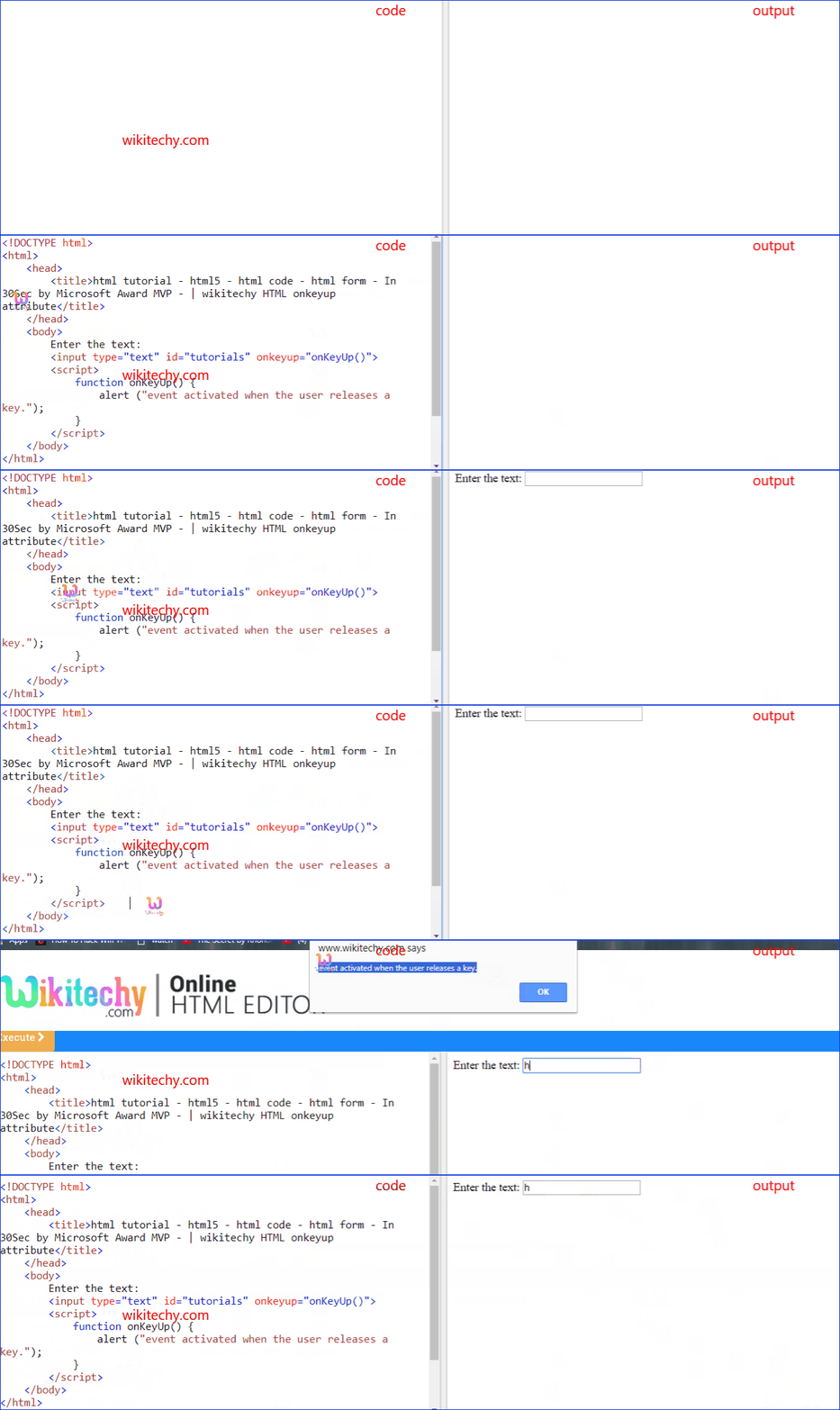
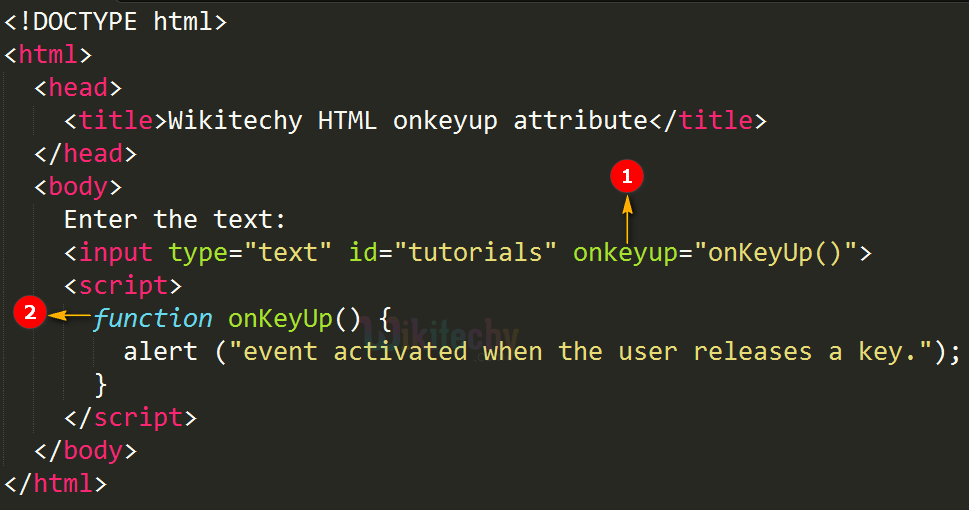
Tryit<!DOCTYPE html><html><head><title>Wikitechy HTML onkeyup attribute</title></head><body>
Enter the text:
<input type="text" id=”tutorials” onkeyup= "onKeyUp()"><script>
function onKeyUp()
{
alert ("event activated when the user releases a key.");
}
</script></body></html>
Code Explanation for onkeyup Attribute in HTML:
onkeyup attribute call onKeyUp() JavaScript function when the user releases the key.
onKeyUp() is a JavaScript function which is used to display an alert message.
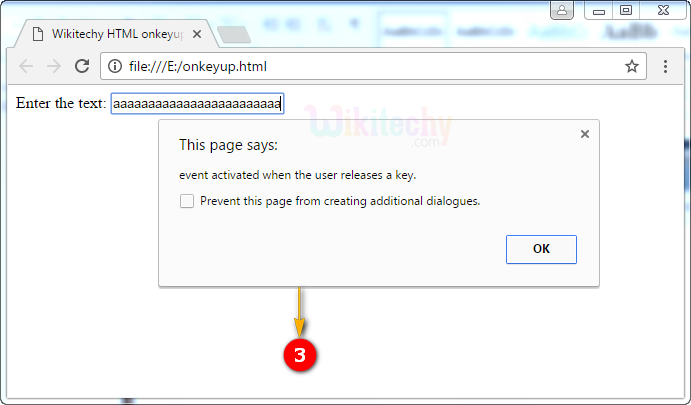
Output for onkeyup Attribute in HTML:
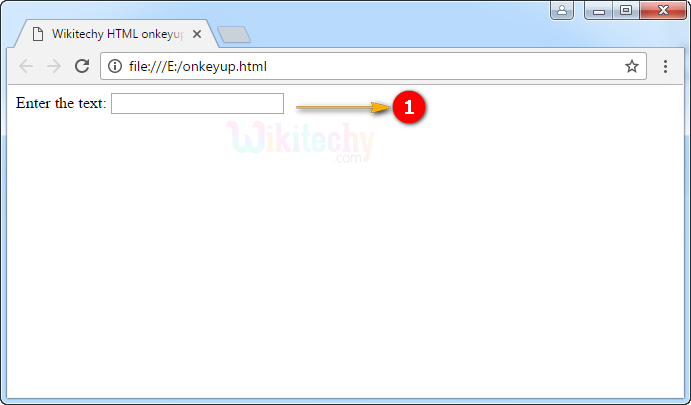
The output shows the textbox.
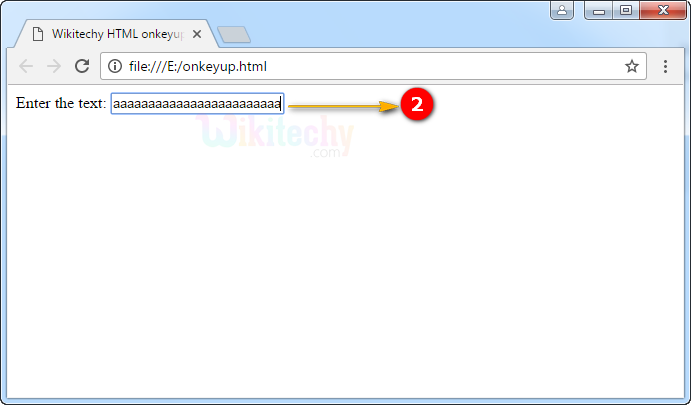
User can enter the text in the textbox for example “aaaaaaaaaaaa” (Hold down the a key in keyboard).
When user release the key the alert message is displayed.