
html tutorial - src Attribute in HTML - html5 - html code - html form
- The src attribute defines the location of the external source.
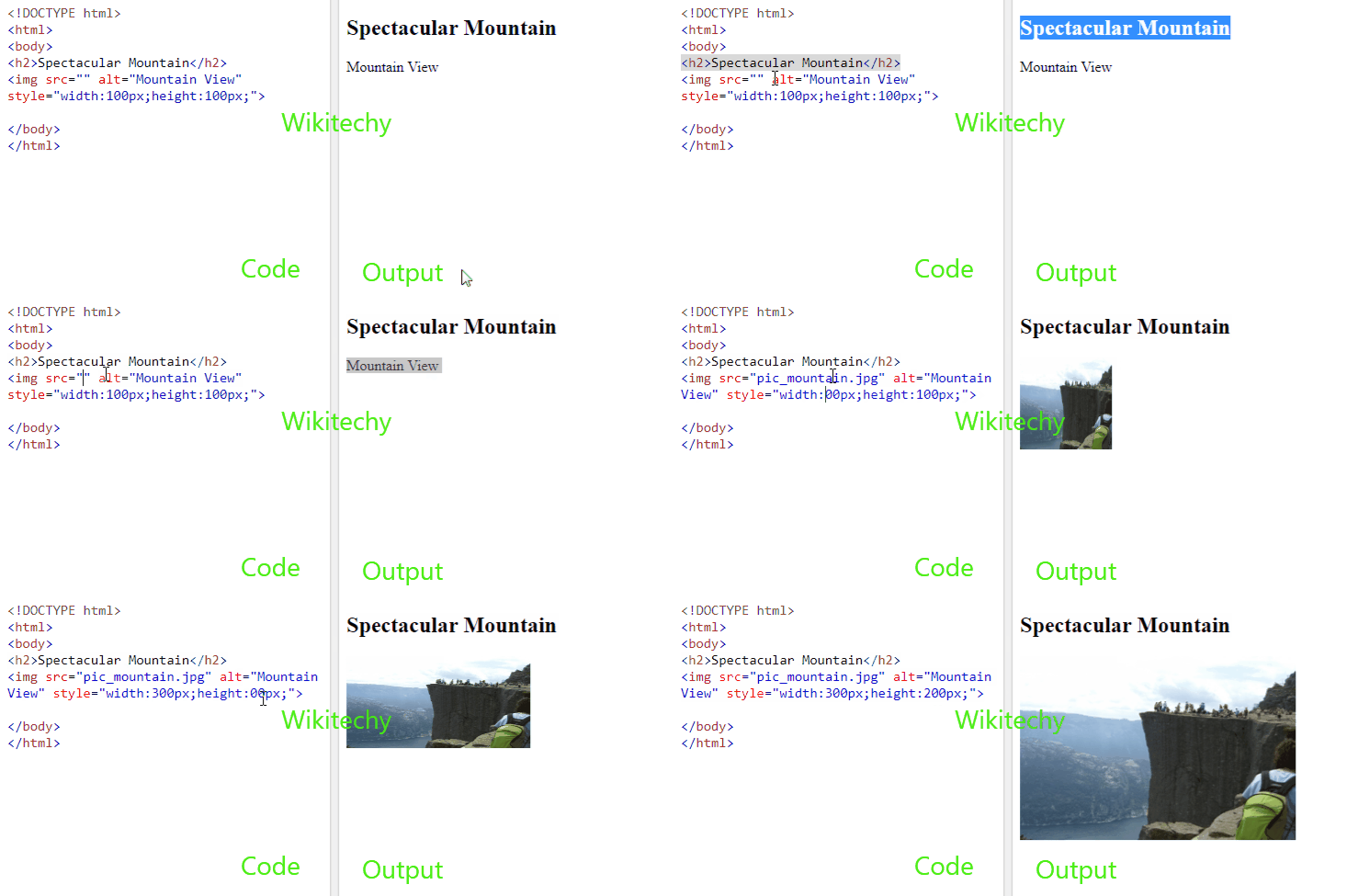
Syntax for src attribute in HTML:
<img src=”URL”>Differences between HTML 4.01 and HTML5 for src attribute:
HTML 4.01
HTML 5
Applies To:
| Element | Attribute |
|---|---|
| <audio> | src |
| <embed> | src |
| <iframe> | src |
| <img> | src |
| <input> | src |
| <script> | src |
| <source> | src |
| <track> | src |
| <video> | src |
Attribute Values:
| Tag | Value | Description |
|---|---|---|
| <audio> | URL | Specifies the URL of the audio file. |
| <embed> | URL | Defines the address of the external file to embed. |
| <iframe> | URL | Defines the URL of the document to embed in the iframe. |
| <input> | URL | Defines the URL of the image to use as a submit button. |
| <script> | URL | Specifies the URL of the external script file. |
| <source> | URL | Defines the URL of the media file. |
| <track> | URL | Defines the URL of the track |
| <video> | URL | Specifies the URL of the video file. |
Sample Coding for src Attribute in HTML:
Tryit<!DOCTYPE html>
<html>
    <head>
         <title>Wikitechy src attribute</title>
    </head>
    <body>
      <img src=”https://www.wikitechy.com/images/logo.png” " >
    </body>
</html>
Code Explanation forsrc Attribute in HTML:
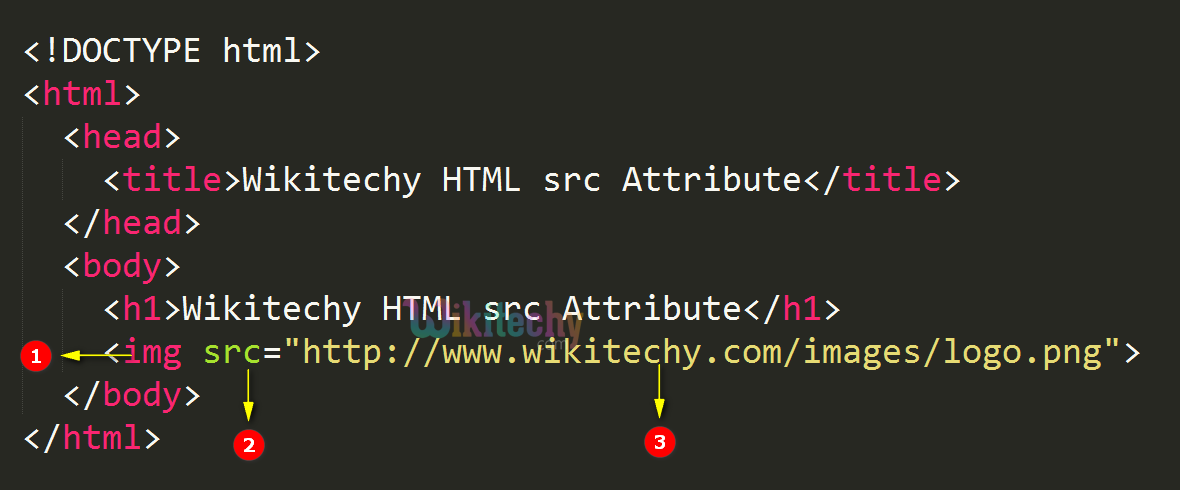
- <img> tag specifies an image in the page.
- src attribute defines path of the image.
- https://www.wikitechy.com/images/logo.png - Location (URL) of the image.
Output for src Attribute in HTML:
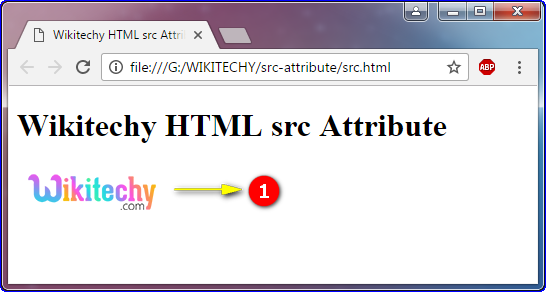
- The image has been displayed here.
Browser Support for src Attribute in HTML:
| Elements |  |
 |
 |
 |
 |
|---|---|---|---|---|---|
| <audio> | 4.0 | 9.0 | 3.5 | 4.0 | 10.5 |
| <embed> | Yes | Yes | Yes | Yes | Yes |
| <iframe> | Yes | Yes | Yes | Yes | Yes |
| <img> | Yes | Yes | Yes | Yes | Yes |
| <input> | 1.0 | 2.0 | 1.0 | 1.0 | 1.0 |
| <script> | Yes | Yes | Yes | Yes | Yes |
| <source> | 18.0 | 10.0 | 31.0 | 6.0 | 15.0 |
| <track> | 4.0 | 9.0 | 3.5 | 4.0 | 10.5 |
| <video> | 4.0 | 9.0 | 3.5 | 4.0 | 10.5 |