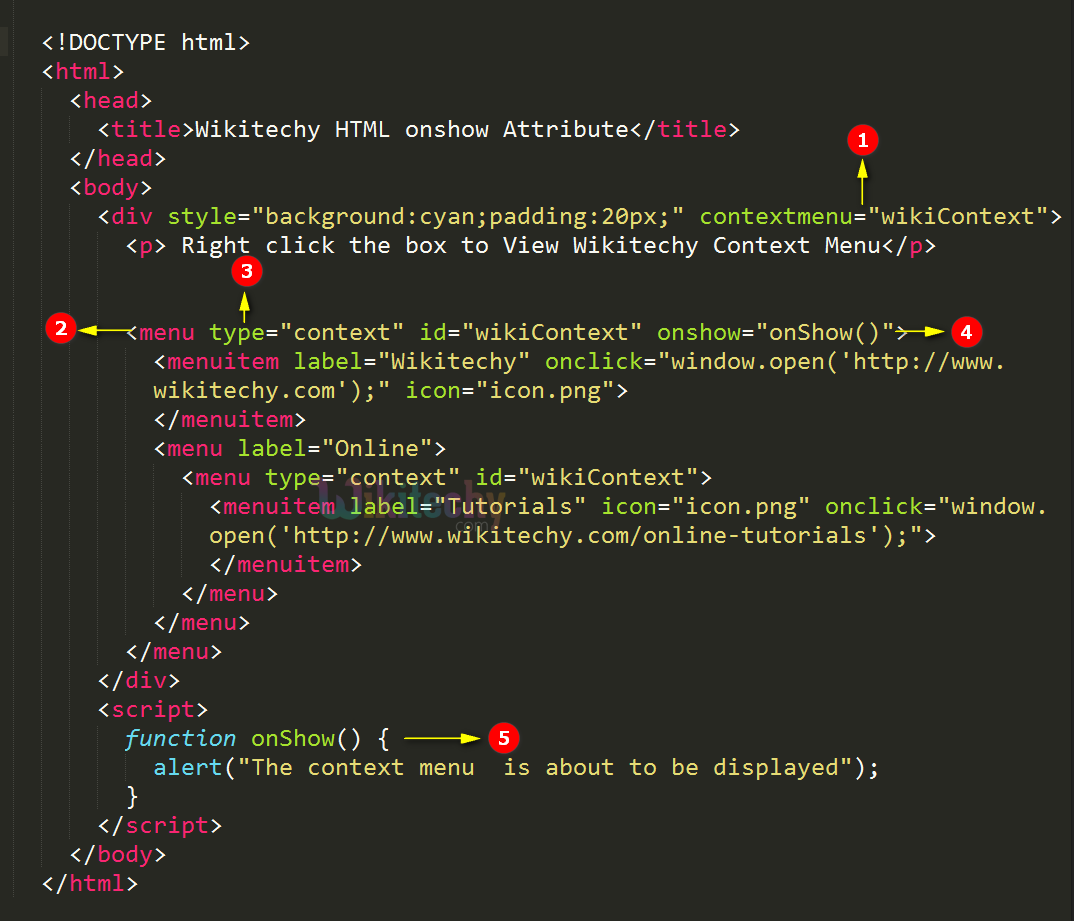
Tryit<!DOCTYPE html><html><head><title>Wikitechy onshow attribute</title></head><body><div style="background:cyan;padding:20px;" contextmenu="wikiContext"><p>Right click the box to View Wikitechy Context Menu</p><menu type="context" id="wikiContext" onshow="onShow()"><menuitem label="Wikitechy" onclick="window.open('http://www.wikitechy.com');" icon="icon.png"></menuitem><menu label="Online"><menu type="context" id="wikiContext"><menuitem label="Tutorials" icon="icon.png" onclick="window.open('http://www.wikitechy.com/online-tutorials');"></menuitem></menu></menu></menu></div><script>
function onShow()
{
alert ("The context menu is about to be displayed");
}
</script></body></html>
Code Explanation for onshow Attribute in HTML:
Using contextmenu attribute we can create a context menu for the element.
<menu> tag is used to define the list of the commands for menu list.
type=” context” attribute used to specify the context menu.
onshow attribute calls the JavaScript function onShow() when user try to display the context menu.
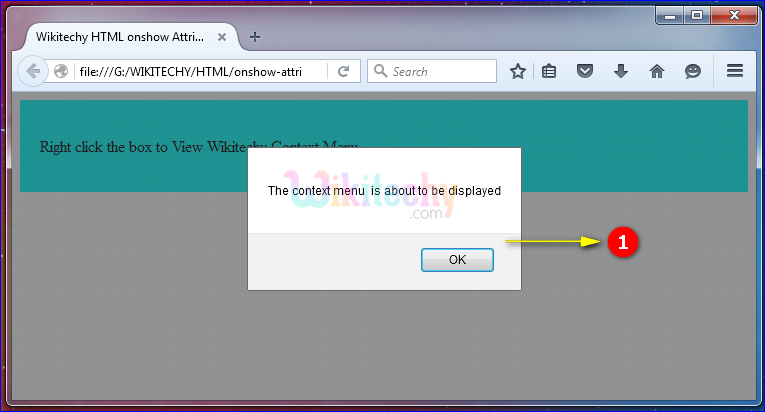
The JavaScript Function onShow() shows the alert dialogue box with the message "The context menu is about to be displayed".
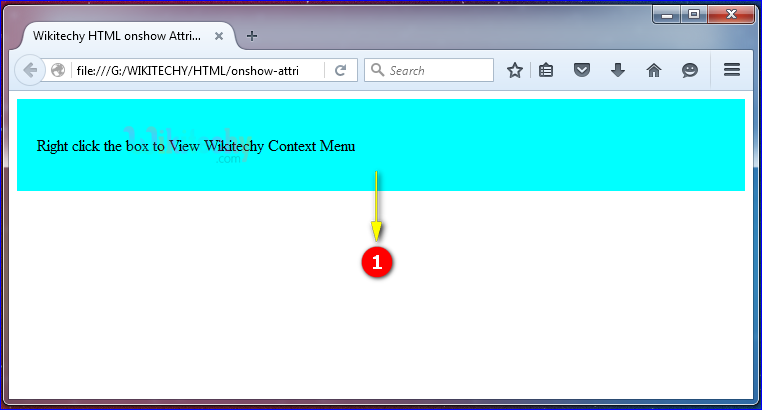
Output for onshow Attribute in HTML:
The output has been displayed.
Right click the box, the alert box has been.
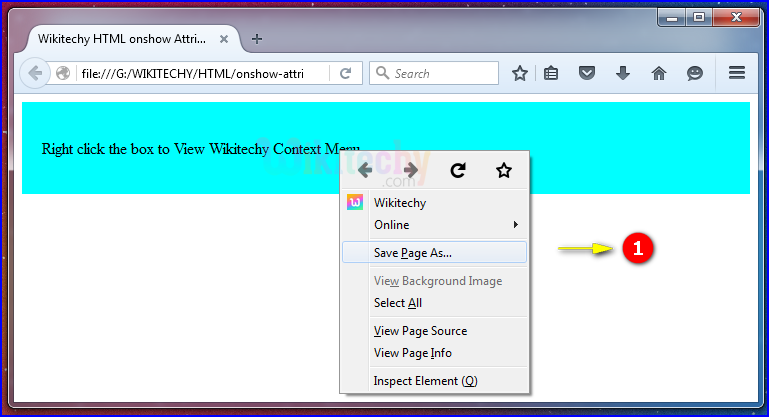
After clicking the OK button in the alert box, the contextmenu has been displayed.